
See how your Apex fights went.
Hot Drop records supported matches on Windows while you play. Each match gets its own page: how it ended, your fights on a timeline, your rotation and your RP.
Browsing profiles and matches is free. Uploading your recorded matches needs Hot Drop Pro or a trial.
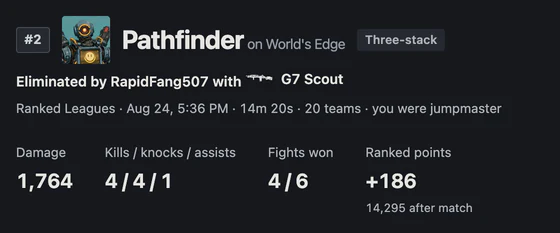
Inside a match
Your fights on a timeline and your rotation on the map. Missing readings stay marked as missing, never filled in with a zero.
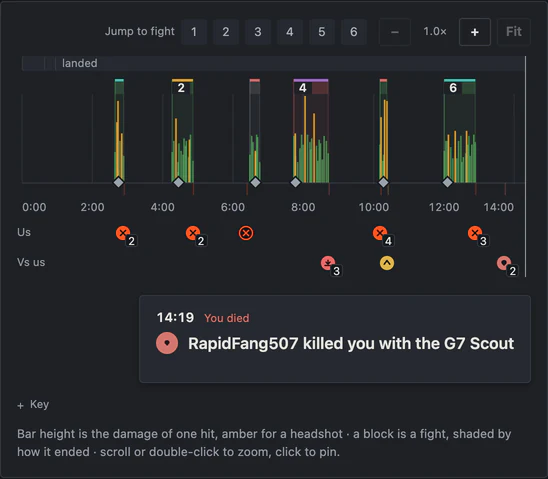
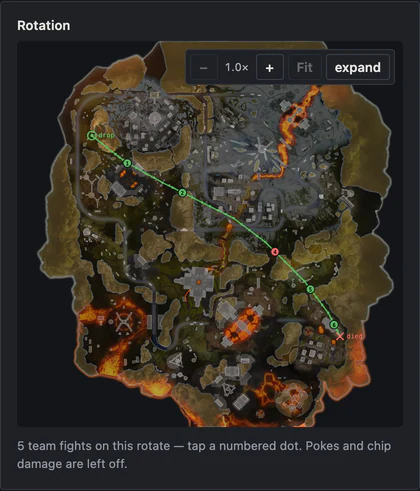
Open the demo match to try the timeline and map.
How it works
Install and connect
Install on Windows 10 or 11 with Apex from Steam or the EA app, then connect your account.
Play
Hot Drop detects Apex and records supported matches automatically. There is no in-game overlay and nothing to start or stop.
Review
Open each match on the web. If you turn on highlights, clips stay on your PC until you approve them for your profile.
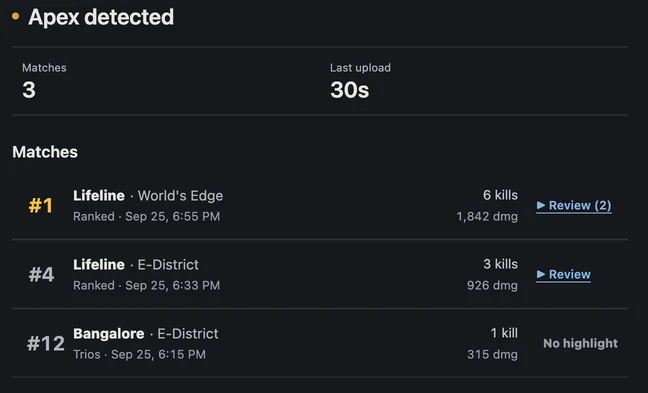
Record your next match
Uploading matches needs Hot Drop Pro or a trial code (redeem one or ask on Discord (opens in a new tab)). What you record stays on your profile after a trial ends.